
Introduction
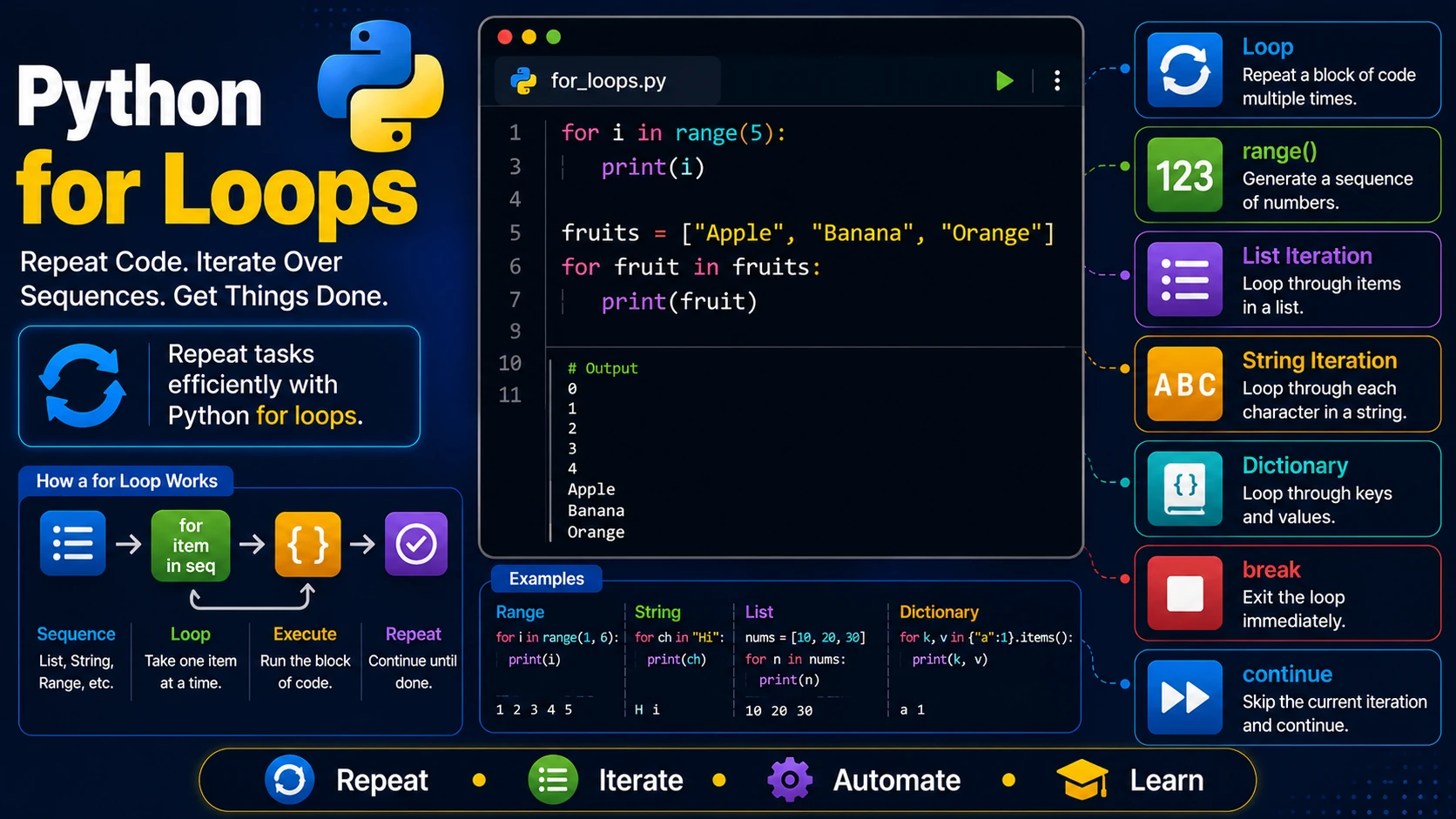
A loop allows a program to repeat a block of code multiple times. Instead of writing the same statements over and over, you can place them inside a loop. Python's for loop is commonly used to iterate through sequences such as lists, strings, tuples, dictionaries, and ranges.
Basic for Loop
for i in range(5):
    print(i)
Output:
0
1
2
3
4
The range() Function
The range() function generates a sequence of numbers.
range(stop)

range(start, stop)

range(start, stop, step)
for i in range(1, 6):
    print(i)
Output:
1
2
3
4
5
Looping Through a String
word = "Python"

for letter in word:
    print(letter)
Looping Through a List
fruits = ["Apple", "Banana", "Orange"]

for fruit in fruits:
    print(fruit)
Looping Through a Tuple
colors = ("Red", "Green", "Blue")

for color in colors:
    print(color)
Looping Through a Dictionary
person = {
    "name":"Alice",
    "age":25
}

for key, value in person.items():
    print(key, value)
Nested Loops
for i in range(3):
    for j in range(2):
        print(i, j)
Using break and continue
for i in range(10):

    if i == 5:
        break

    print(i)
for i in range(6):

    if i == 3:
        continue

    print(i)
The else Clause
A for loop can have an else block that runs if the loop finishes normally.
for i in range(3):
    print(i)
else:
    print("Loop completed.")
Real-World Example
prices = [12.5, 20, 8.75]

total = 0

for price in prices:
    total += price

print(total)
Summary
The for loop is one of the most useful tools in Python. It allows you to process collections of data, automate repetitive tasks, and build efficient programs with very little code.
Examples
The following examples help reinforce the concepts explained in this lesson.
<!DOCTYPE html>
<html>

<head>

<title>My First Page</title>

</head>

<body>

<h1>Hello World</h1>

</body>

</html>
💡 Pro Tip
Practice every concept immediately after reading it. Learning by doing is the fastest way to master HTML.
⚠ Common Mistake
Do not simply copy code examples. Type them yourself and experiment with small changes.
Best Practices
- Write clean and readable HTML.
- Indent your code consistently.
- Use semantic HTML elements.
- Validate your HTML regularly.
- Test your pages in multiple browsers.
Frequently Asked Questions
Why should I learn HTML first?
HTML is the foundation of every website. Once you understand HTML, learning CSS and JavaScript becomes much easier.
Is HTML difficult?
No. HTML is considered one of the easiest web technologies to learn, making it an excellent starting point for beginners.