
Introduction
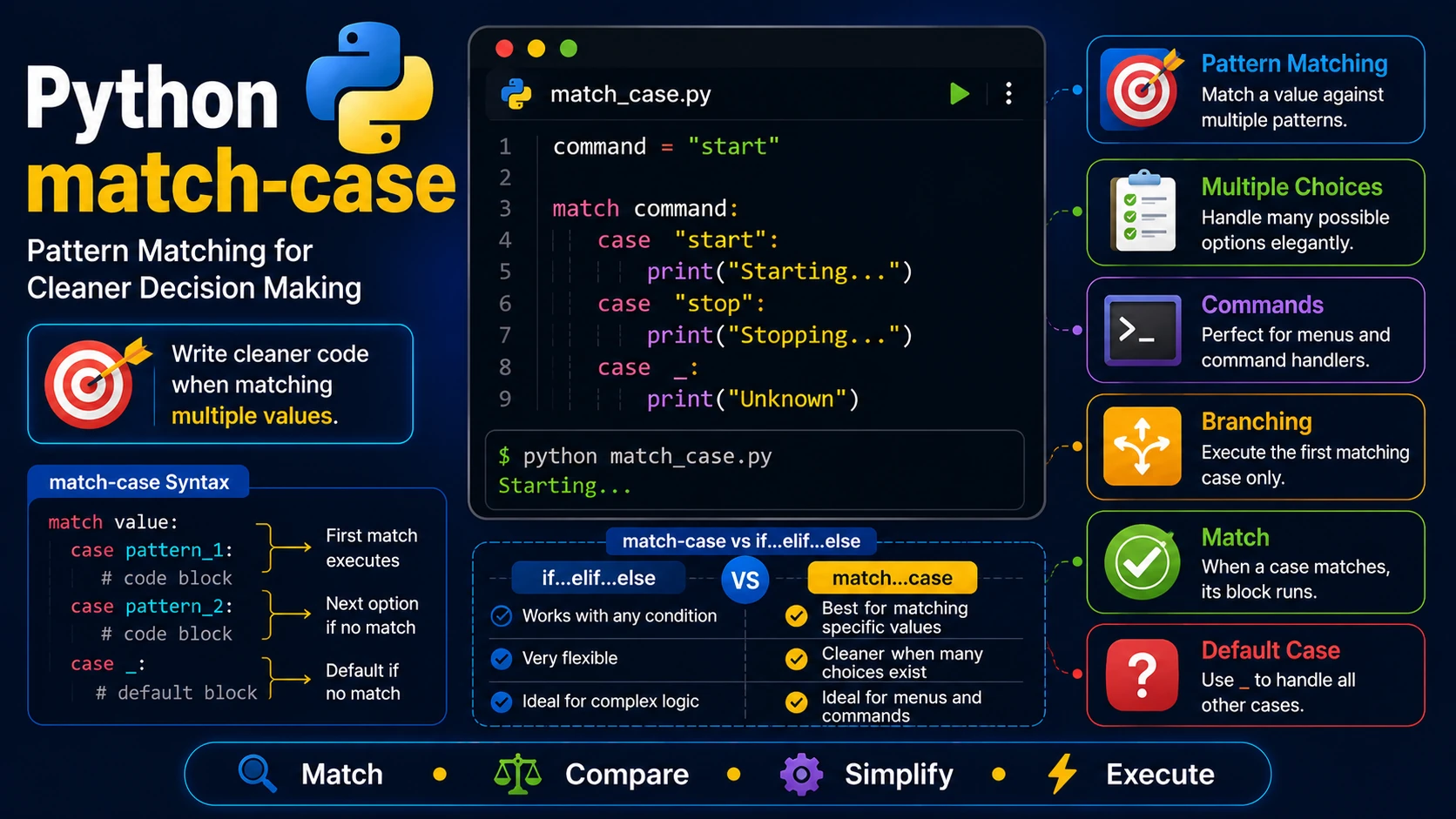
Starting with Python 3.10, the language introduced the match and case statements. They provide a cleaner way to compare a value against multiple possible options, similar to the switch statement found in other programming languages.
Basic Syntax
day = 3

match day:
    case 1:
        print("Monday")
    case 2:
        print("Tuesday")
    case 3:
        print("Wednesday")
    case _:
        print("Unknown day")
The underscore (_) acts as the default case if none of the other cases match.
Matching Multiple Values
letter = "A"

match letter:
    case "A" | "E" | "I" | "O" | "U":
        print("Vowel")
    case _:
        print("Consonant")
Using Guards
A guard adds an additional condition using if.
number = 15

match number:
    case x if x > 10:
        print("Greater than 10")
    case _:
        print("10 or less")
match-case vs if...elif...else
| if...elif...else | match...case |
|---|---|
| Works with any condition | Best for matching specific values |
| Very flexible | Cleaner when many choices exist |
| Ideal for complex logic | Ideal for menus and commands |
Practical Example
command = input("Command: ")

match command.lower():
    case "start":
        print("Starting...")
    case "stop":
        print("Stopping...")
    case "restart":
        print("Restarting...")
    case _:
        print("Unknown command")
When Should You Use match-case?
- Menu systems
- Command interpreters
- State machines
- Game programming
- Parsing user commands
Summary
The match and case statements make code easier to read when comparing one value against many possible options. For more complex conditions, if and elif are still the better choice.
Examples
The following examples help reinforce the concepts explained in this lesson.
<!DOCTYPE html>
<html>

<head>

<title>My First Page</title>

</head>

<body>

<h1>Hello World</h1>

</body>

</html>
💡 Pro Tip
Practice every concept immediately after reading it. Learning by doing is the fastest way to master HTML.
⚠ Common Mistake
Do not simply copy code examples. Type them yourself and experiment with small changes.
Best Practices
- Write clean and readable HTML.
- Indent your code consistently.
- Use semantic HTML elements.
- Validate your HTML regularly.
- Test your pages in multiple browsers.
Frequently Asked Questions
Why should I learn HTML first?
HTML is the foundation of every website. Once you understand HTML, learning CSS and JavaScript becomes much easier.
Is HTML difficult?
No. HTML is considered one of the easiest web technologies to learn, making it an excellent starting point for beginners.