
Introduction
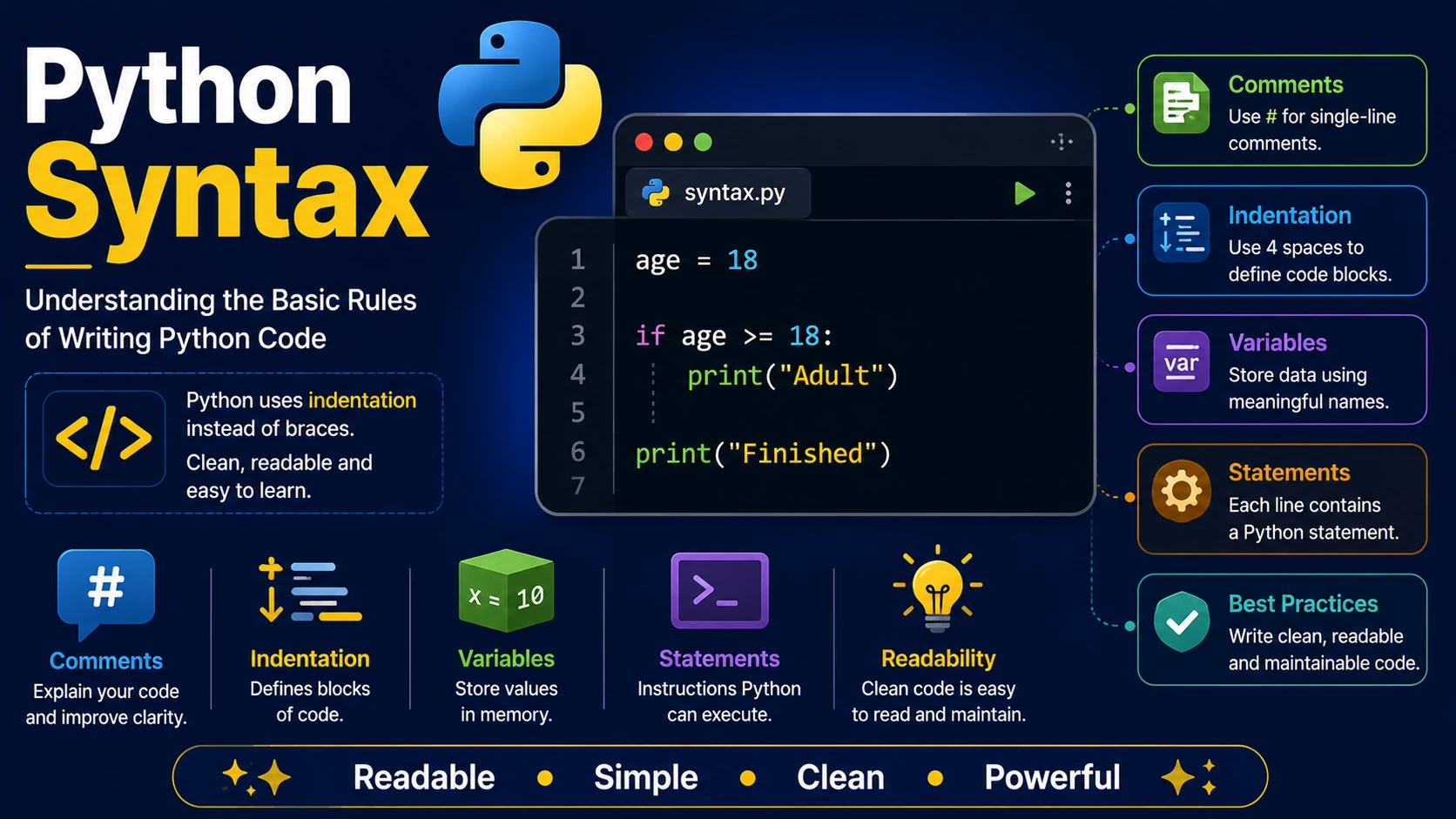
Python is famous for having one of the simplest and cleanest programming syntaxes. Unlike many other programming languages, Python uses indentation instead of braces to organize code, making programs easier to read and understand.
A Simple Python Program
print("Hello, World!")
When this program runs, it prints:
Hello, World!
Python Statements
A statement is an instruction that Python executes. Each line usually contains one statement.
print("Hello")

print("Welcome")

print("Python")
Indentation
Python uses indentation (spaces at the beginning of a line) to define blocks of code. Most programmers use four spaces for each indentation level.
age = 18

if age >= 18:
    print("Adult")

print("Finished")
Incorrect indentation will produce an error.
Comments
Comments help explain your code and are ignored by Python.
# This is a comment

print("Hello")
Multi-line comments are commonly written using triple quotes.
"""
This is a multi-line comment.
"""
Case Sensitivity
Python is case-sensitive. Variables named age, Age, and AGE are three different variables.
age = 25

Age = 30

print(age)

print(Age)
Multiple Statements
Although Python allows multiple statements on one line using semicolons, it is considered better practice to place one statement on each line.
x = 10; y = 20; print(x + y)
Long Lines
Long statements can be split across multiple lines by enclosing them in parentheses.
total = (
    120
    + 350
    + 75
)

print(total)
Python Style Tips
- Use four spaces for indentation.
- Write descriptive variable names.
- Keep one statement per line.
- Use comments only when they improve readability.
- Follow the official Python style guide (PEP 8).
Summary
Python's clean syntax is one of the main reasons it is so popular. By understanding indentation, comments, statements, and case sensitivity, you have learned the foundation for writing readable Python programs.
Examples
The following examples help reinforce the concepts explained in this lesson.
<!DOCTYPE html>
<html>

<head>

<title>My First Page</title>

</head>

<body>

<h1>Hello World</h1>

</body>

</html>
💡 Pro Tip
Practice every concept immediately after reading it. Learning by doing is the fastest way to master HTML.
⚠ Common Mistake
Do not simply copy code examples. Type them yourself and experiment with small changes.
Best Practices
- Write clean and readable HTML.
- Indent your code consistently.
- Use semantic HTML elements.
- Validate your HTML regularly.
- Test your pages in multiple browsers.
Frequently Asked Questions
Why should I learn HTML first?
HTML is the foundation of every website. Once you understand HTML, learning CSS and JavaScript becomes much easier.
Is HTML difficult?
No. HTML is considered one of the easiest web technologies to learn, making it an excellent starting point for beginners.