
Introduction
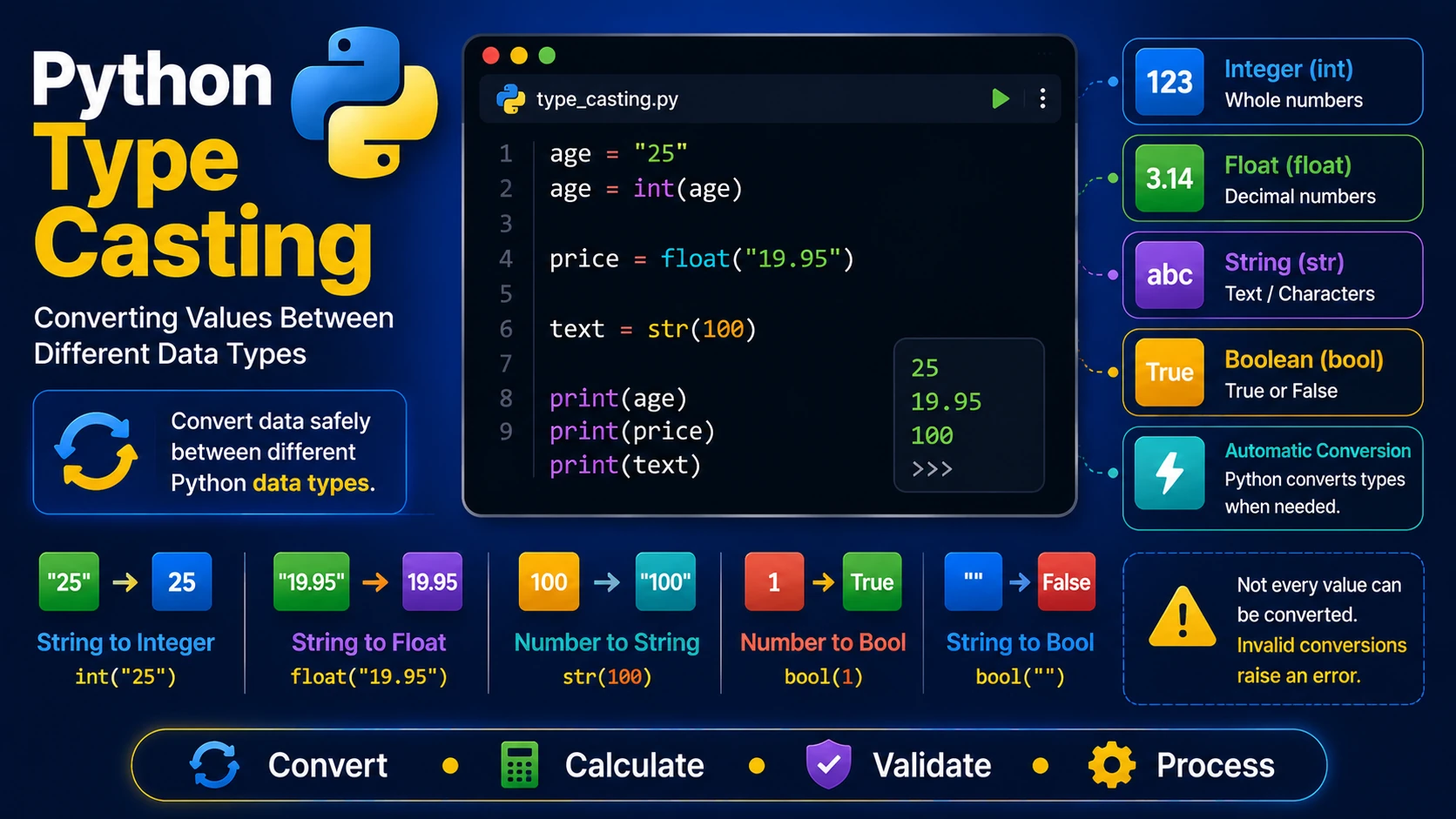
Type casting is the process of converting a value from one data type to another. Python provides several built-in functions that make type conversion simple and reliable.
Why Use Type Casting?
Many programs receive user input as text. Before performing calculations, the text often needs to be converted into numbers.
age = "25"

print(age)
The value above is a string, not a number.
Convert to Integer
age = "25"

age = int(age)

print(age)

print(type(age))
Convert to Float
price = "19.95"

price = float(price)

print(price)
Convert to String
score = 98

text = str(score)

print(text)

print(type(text))
Convert to Boolean
print(bool(1))

print(bool(0))

print(bool("Hello"))

print(bool(""))
Generally:
- 0 becomes False
- Non-zero numbers become True
- Empty strings become False
- Non-empty strings become True
Practical Example
price = "250"

quantity = "4"

total = int(price) * int(quantity)

print(total)
Conversion Errors
Not every value can be converted successfully.
number = "Hello"

int(number)
The code above produces a ValueError because "Hello" is not a valid integer.
Implicit vs Explicit Conversion
Python sometimes performs automatic (implicit) conversions during calculations, while explicit conversion is done using functions such as int() and float().
x = 10

y = 2.5

print(x + y)
The result is automatically converted to a float.
Summary
Type casting allows you to safely convert values between different data types. It is an essential skill when working with user input, files, databases and calculations.
Examples
The following examples help reinforce the concepts explained in this lesson.
<!DOCTYPE html>
<html>

<head>

<title>My First Page</title>

</head>

<body>

<h1>Hello World</h1>

</body>

</html>
💡 Pro Tip
Practice every concept immediately after reading it. Learning by doing is the fastest way to master HTML.
⚠ Common Mistake
Do not simply copy code examples. Type them yourself and experiment with small changes.
Best Practices
- Write clean and readable HTML.
- Indent your code consistently.
- Use semantic HTML elements.
- Validate your HTML regularly.
- Test your pages in multiple browsers.
Frequently Asked Questions
Why should I learn HTML first?
HTML is the foundation of every website. Once you understand HTML, learning CSS and JavaScript becomes much easier.
Is HTML difficult?
No. HTML is considered one of the easiest web technologies to learn, making it an excellent starting point for beginners.