
Introduction
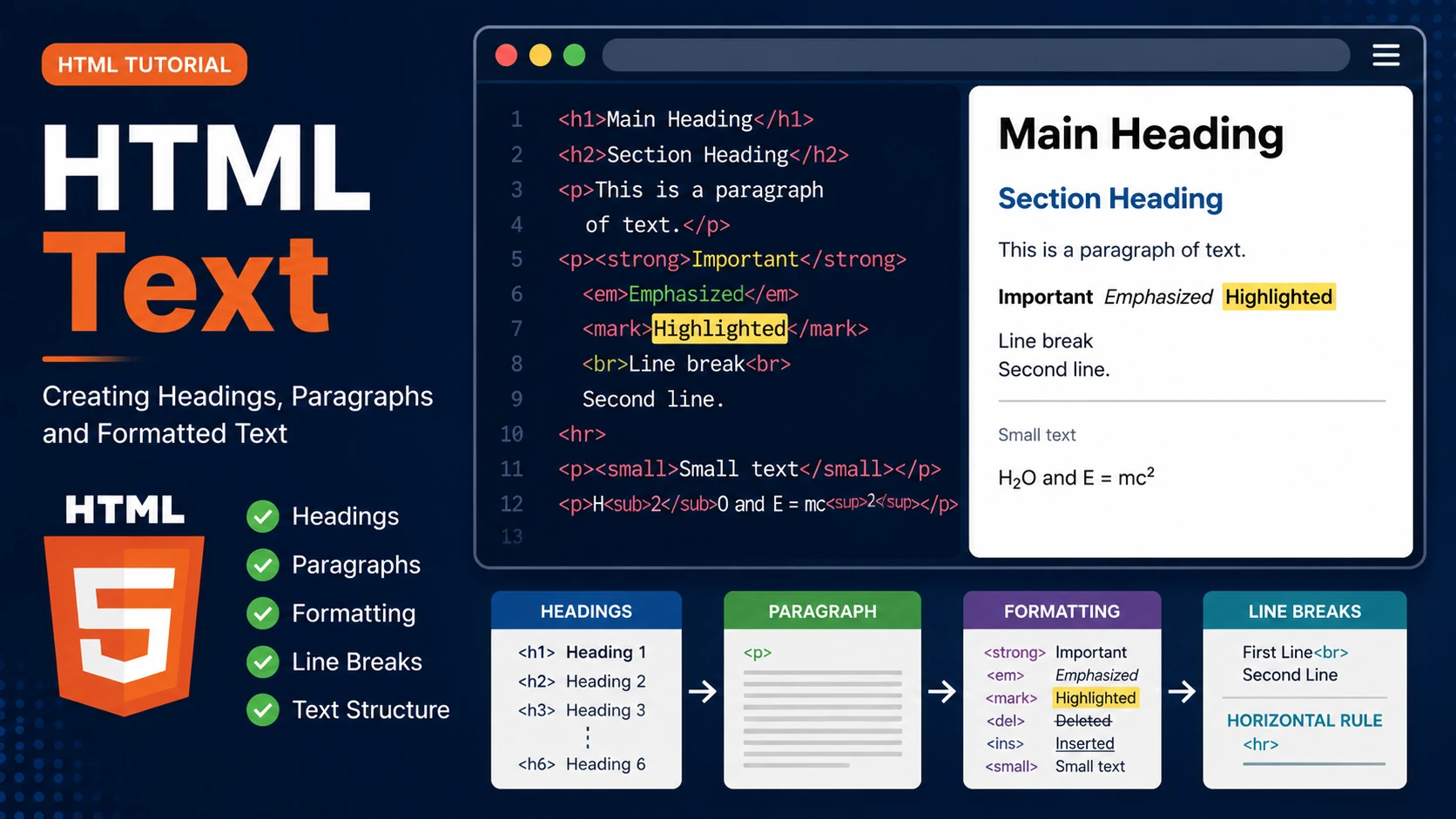
Almost every webpage contains text. HTML provides many elements for displaying text in a clear, meaningful and accessible way. Choosing the correct text element helps visitors understand your content and improves search engine optimization (SEO).
HTML Headings
HTML provides six heading levels, from <h1> to <h6>. The <h1> element is the most important heading and should normally appear only once on a page.
<h1>Main Heading</h1>

<h2>Section Heading</h2>

<h3>Subsection</h3>
Paragraphs
Paragraphs are created using the <p> element. Browsers automatically add spacing before and after each paragraph.
<p>

This is my first paragraph.

</p>

<p>

This is another paragraph.

</p>
Text Formatting
HTML provides several formatting elements.
- <strong> — Important text
- <em> — Emphasized text
- <mark> — Highlighted text
- <small> — Small text
- <del> — Deleted text
- <ins> — Inserted text
- <sub> — Subscript
- <sup> — Superscript
Line Breaks
Use the <br> element to start a new line without creating a new paragraph.
First Line<br>

Second Line
Horizontal Rules
The <hr> element creates a horizontal line that separates sections of content.
<hr>
Summary
- Use headings to organize your content.
- Use paragraphs for blocks of text.
- Use formatting tags carefully.
- Use line breaks only when necessary.
- Keep text readable and well structured.
Examples
The following examples help reinforce the concepts explained in this lesson.
<!DOCTYPE html>
<html>

<head>

<title>My First Page</title>

</head>

<body>

<h1>Hello World</h1>

</body>

</html>
💡 Pro Tip
Practice every concept immediately after reading it. Learning by doing is the fastest way to master HTML.
⚠ Common Mistake
Do not simply copy code examples. Type them yourself and experiment with small changes.
Best Practices
- Write clean and readable HTML.
- Indent your code consistently.
- Use semantic HTML elements.
- Validate your HTML regularly.
- Test your pages in multiple browsers.
Frequently Asked Questions
Why should I learn HTML first?
HTML is the foundation of every website. Once you understand HTML, learning CSS and JavaScript becomes much easier.
Is HTML difficult?
No. HTML is considered one of the easiest web technologies to learn, making it an excellent starting point for beginners.