
Introduction
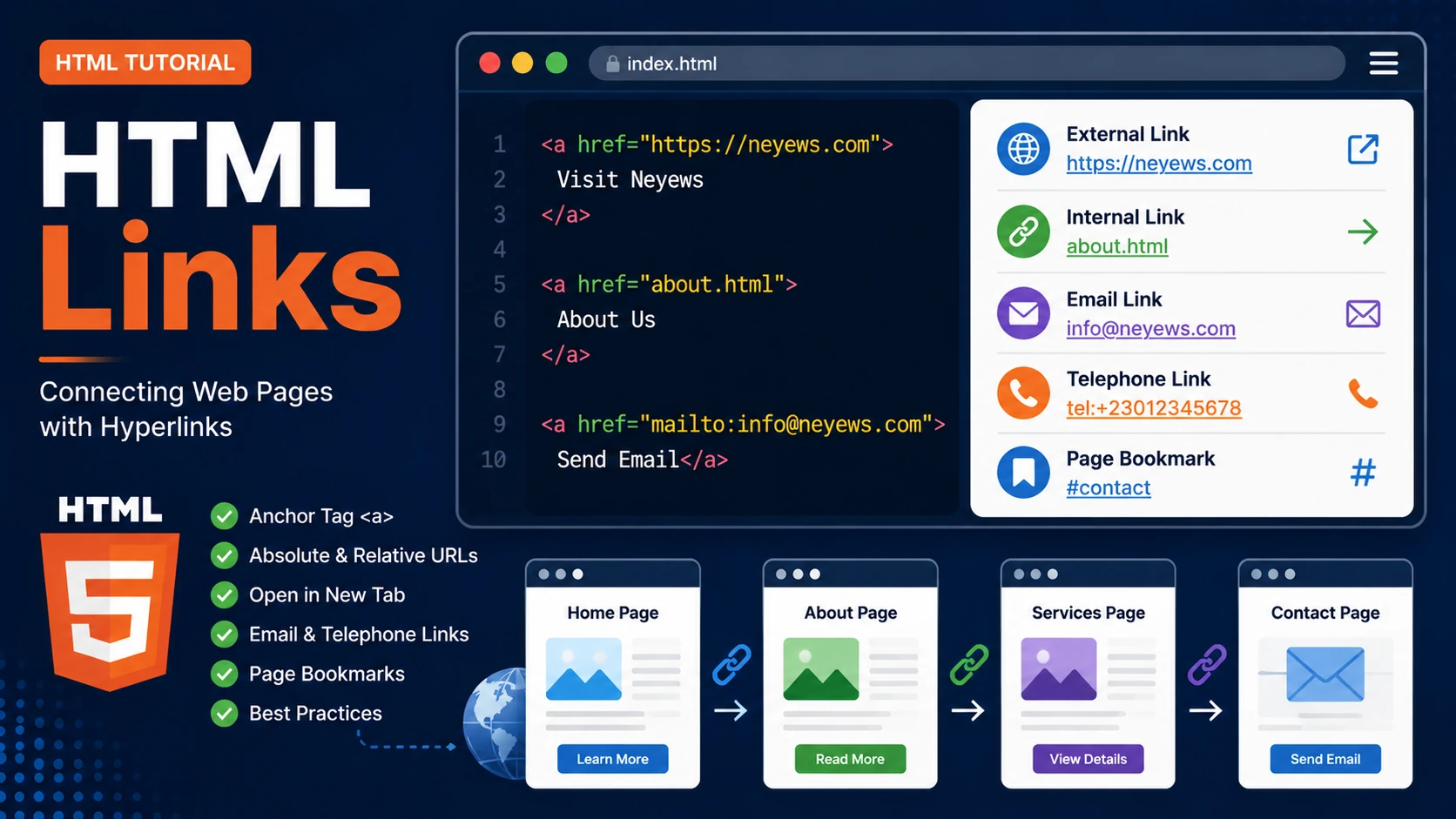
Hyperlinks are one of the defining features of the World Wide Web. They allow users to move from one page to another, navigate websites, download files, send emails and much more. In HTML, hyperlinks are created using the <a> (anchor) element.
The Anchor Element
The basic syntax for creating a hyperlink is:
<a href="https://neyews.com">

Visit Neyews

</a>
The href attribute specifies the destination of the link.
Absolute vs Relative Links
Absolute URL
<a href="https://neyews.com">

Neyews

</a>
Relative URL
<a href="about.html">

About Us

</a>
Use absolute URLs for external websites and relative URLs for pages within your own website.
Opening Links in a New Tab
<a href="https://neyews.com"

target="_blank"

rel="noopener">

Open Neyews

</a>
Email Links
<a href="mailto:info@example.com">

Send Email

</a>
Telephone Links
<a href="tel:+23012345678">

Call Us

</a>
Page Bookmarks
Bookmarks allow visitors to jump directly to another section of the same page.
<a href="#contact">

Contact Section

</a>

...

<h2 id="contact">

Contact

</h2>
Best Practices
- Use descriptive link text.
- Avoid "Click Here" whenever possible.
- Use relative links within your own website.
- Use
target="_blank"carefully. - Always test your links.
Examples
The following examples help reinforce the concepts explained in this lesson.
<!DOCTYPE html>
<html>

<head>

<title>My First Page</title>

</head>

<body>

<h1>Hello World</h1>

</body>

</html>
💡 Pro Tip
Practice every concept immediately after reading it. Learning by doing is the fastest way to master HTML.
⚠ Common Mistake
Do not simply copy code examples. Type them yourself and experiment with small changes.
Best Practices
- Write clean and readable HTML.
- Indent your code consistently.
- Use semantic HTML elements.
- Validate your HTML regularly.
- Test your pages in multiple browsers.
Frequently Asked Questions
Why should I learn HTML first?
HTML is the foundation of every website. Once you understand HTML, learning CSS and JavaScript becomes much easier.
Is HTML difficult?
No. HTML is considered one of the easiest web technologies to learn, making it an excellent starting point for beginners.