
Introduction
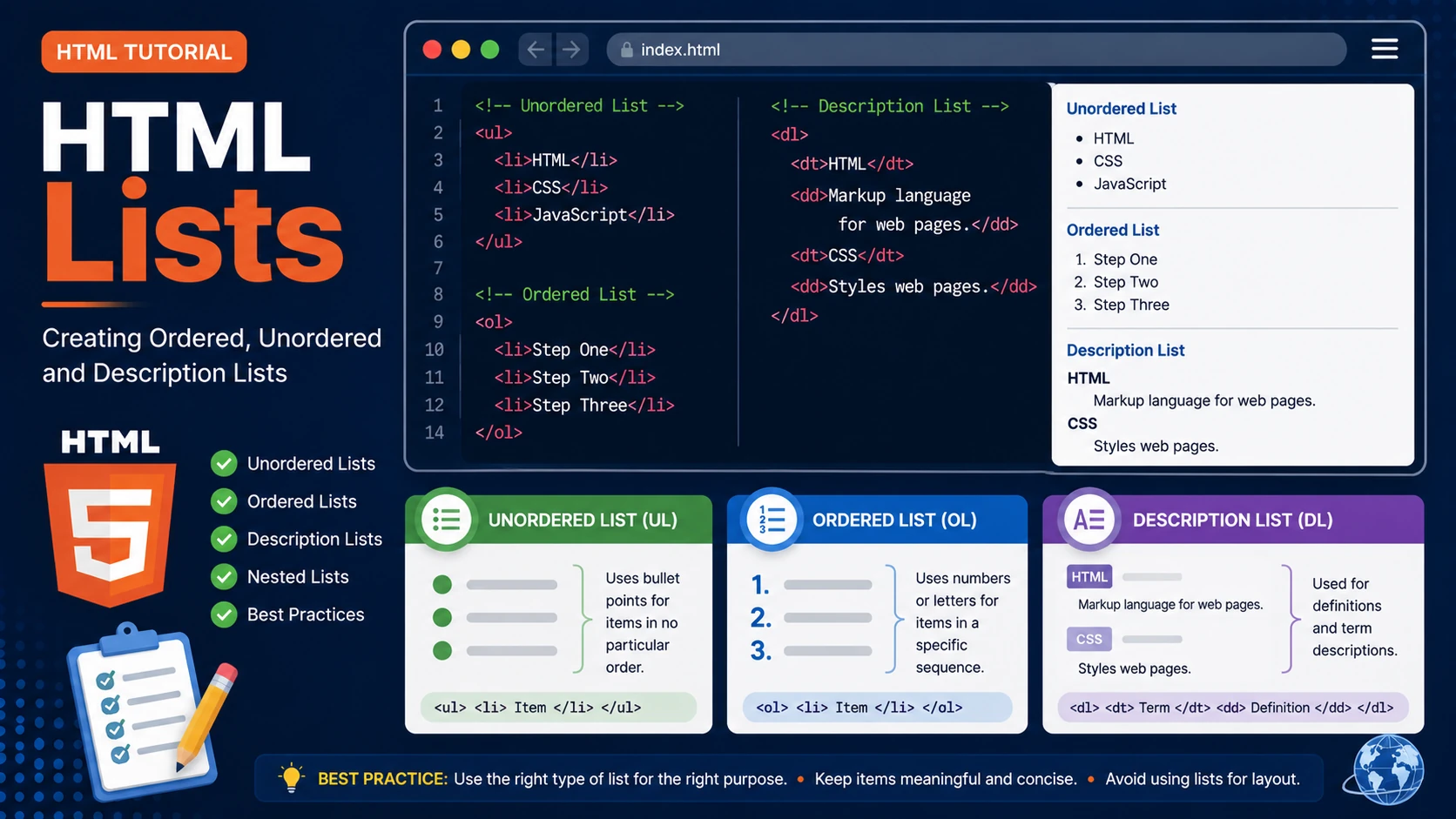
Lists help organize information in a structured and easy-to-read format. HTML provides three main types of lists: unordered lists, ordered lists and description lists.
Unordered Lists
An unordered list displays items with bullet points.
<ul>

    <li>HTML</li>

    <li>CSS</li>

    <li>JavaScript</li>

</ul>
Result:
- HTML
- CSS
- JavaScript
Ordered Lists
Ordered lists display numbered items.
<ol>

    <li>Register</li>

    <li>Login</li>

    <li>Start Learning</li>

</ol>
Result:
- Register
- Login
- Start Learning
Description Lists
Description lists are useful for definitions and glossaries.
<dl>

    <dt>HTML</dt>

    <dd>Markup language for web pages.</dd>

    <dt>CSS</dt>

    <dd>Styles web pages.</dd>

</dl>
- HTML
- Markup language for web pages.
- CSS
- Styles web pages.
Nested Lists
Lists can contain other lists.
<ul>

    <li>Programming

        <ul>

            <li>HTML</li>

            <li>CSS</li>

        </ul>

    </li>

</ul>
Best Practices
- Use unordered lists for collections of related items.
- Use ordered lists when sequence matters.
- Use description lists for definitions and terminology.
- Avoid using lists only for visual layout.
- Keep list items short and meaningful.
Summary
HTML provides three powerful list types. Choosing the correct list improves readability, accessibility and page organization.
Examples
The following examples help reinforce the concepts explained in this lesson.
<!DOCTYPE html>
<html>

<head>

<title>My First Page</title>

</head>

<body>

<h1>Hello World</h1>

</body>

</html>
💡 Pro Tip
Practice every concept immediately after reading it. Learning by doing is the fastest way to master HTML.
⚠ Common Mistake
Do not simply copy code examples. Type them yourself and experiment with small changes.
Best Practices
- Write clean and readable HTML.
- Indent your code consistently.
- Use semantic HTML elements.
- Validate your HTML regularly.
- Test your pages in multiple browsers.
Frequently Asked Questions
Why should I learn HTML first?
HTML is the foundation of every website. Once you understand HTML, learning CSS and JavaScript becomes much easier.
Is HTML difficult?
No. HTML is considered one of the easiest web technologies to learn, making it an excellent starting point for beginners.